Setting up a Home Theatre PC for my TV
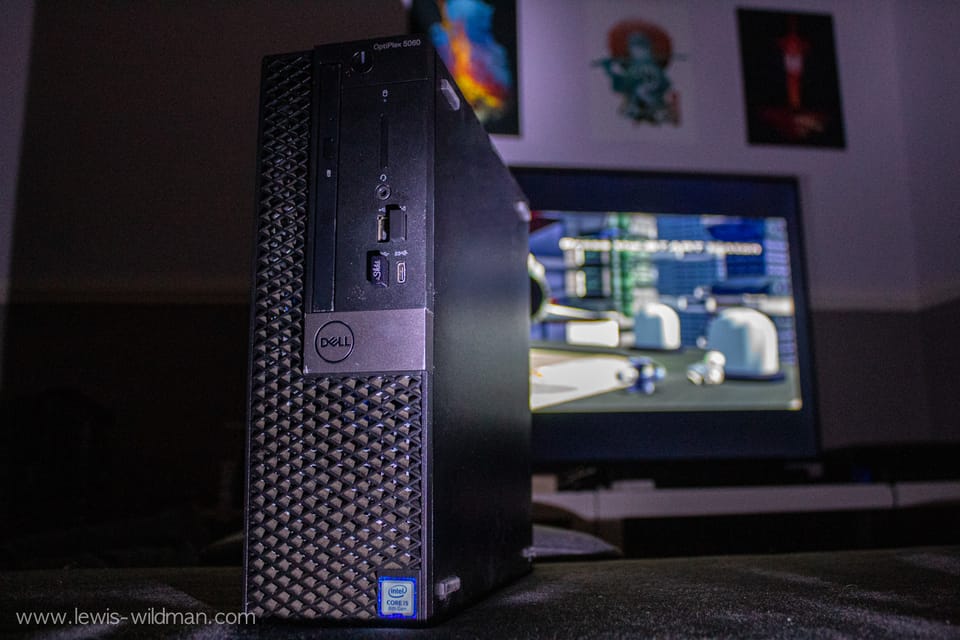
Let me start by saying... my TV was terrible, it was a no-name cheap brand. I bought it for the size, an impressive 58" screen and 4k display. But it had one massive drawback, it was absurdly slow, painfully slow, in fact. Waiting 5+ seconds for an input to register was so foul, that after a few months, I'd had enough. Something had to change.
This is where a home theatre PC (HTPC) comes in. I had a perfect bit of hardware: A dell OptiPlex I was using as a home server. It has decent specs -an i5-7500, 16GB of RAM and a massive 16TB hard drive. (no dedicated GPU yet, the onboard graphics from the CPU have been more than okay).
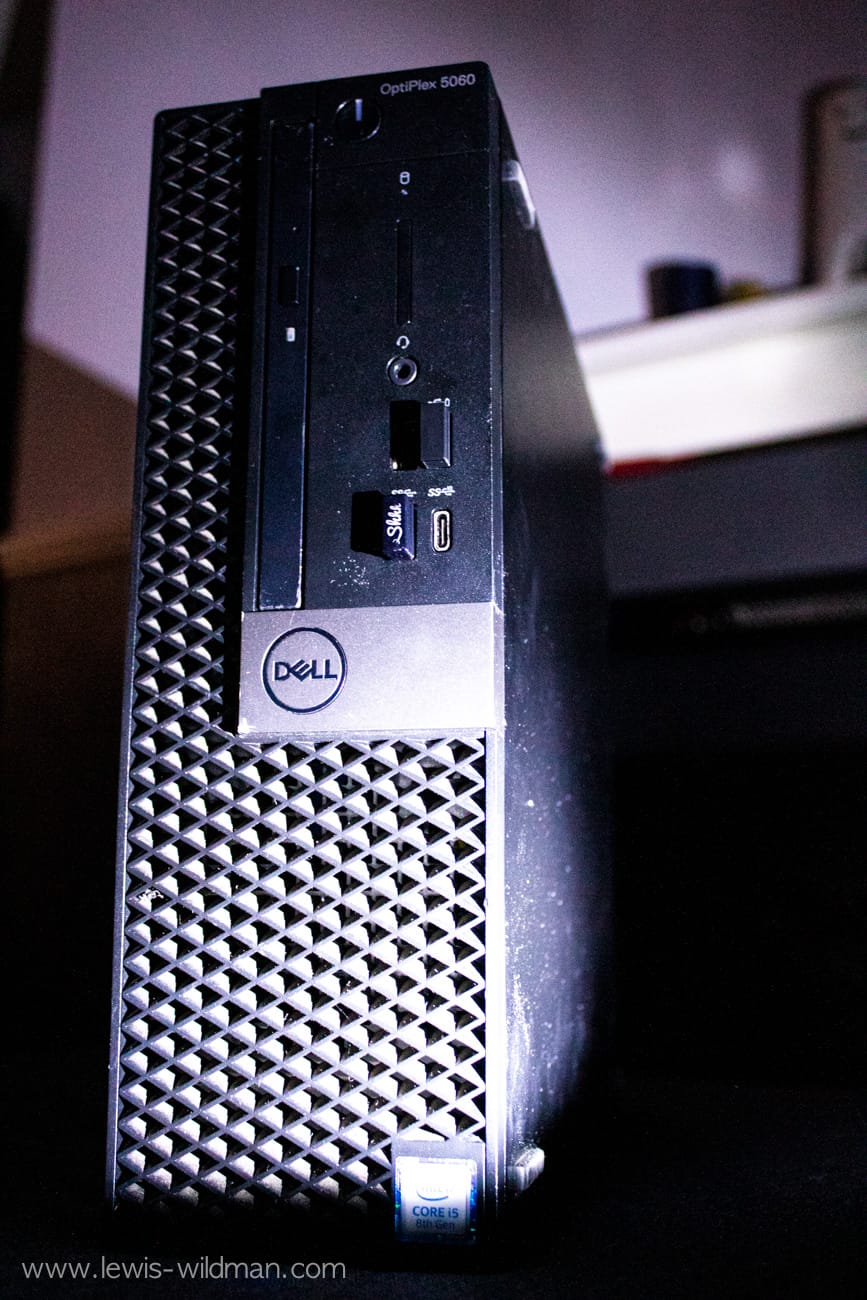
Originally, I wanted to use the server as a Jellyfin media box. Hence, the 16TB hard drive. This went well to begin with, but I eventually had issues with Linux unmounting my hard drive and breaking my Docker containers for no real reason. So it ended up sitting idle for a few months. But, I decided it was time to use it for something new, and this little project was perfect for it.
I originally wanted to stick with Linux despite the issues, but I couldn't because I had bought a remote to control the computer like a TV. However, it didn't have drivers for Linux, so I ended up going with Windows 10 for the familiarity and driver support I needed.
 From the Author
I wiped the server and installed a fresh copy of Windows 10. I removed all the bloatware I could and activated windows. (Though, you could use MassGrave, which is open source and highly-supported, and hosted through GitHub).


This was 90% of the project done right there.
But, to make it a home theatre. I had to install a good bit of software:
The first of which was a proper browser. Firefox of course. I instantly installed uBlock Origin as my ad blocker and privacy badger too. This was already a massive upgrade, as I could avoid using the YouTube app on the default TV software, which has no easy way of getting rid of the baked in ads. Even with a DNS ad blocker like piHole.
Next was to install a VPN, allowing me to go into any region I want and unlock much more content as well as bypass any age restrictions (Yay UK!), ISP blocked sites and be a bit more anonymous online. Privacy is always a great thing.
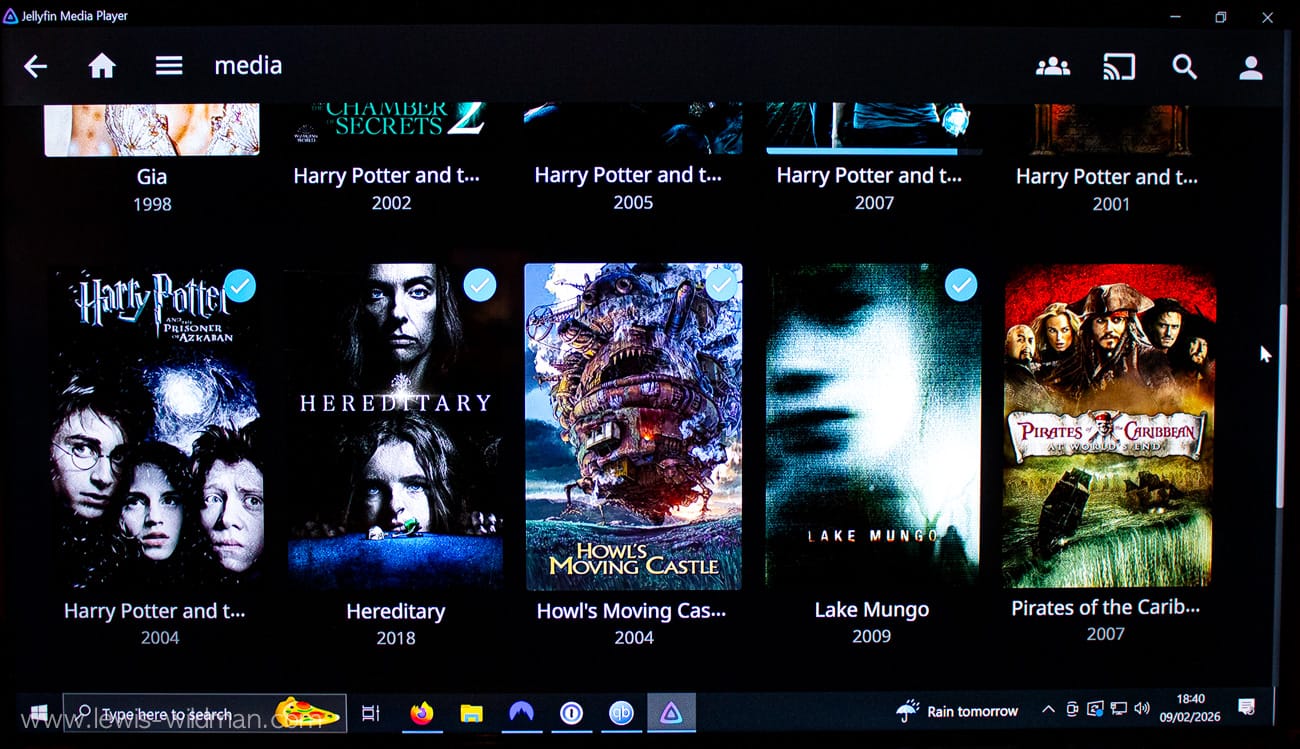
Next was to install a local Jellyfin server as well as the media client too for it. I also installed VLC media player, as it's an OG bit of software and great for general purpose media that I may not want to have catalogued in Jellyfin.
I also set up some bookmarks and added them as shortcuts to the desktop. I also made the icons on the desktop rather large, allowing me to easily aim at them with the remote. Since aiming into a 4k screen would be pretty tough, I'm still trying to get used to the remote.
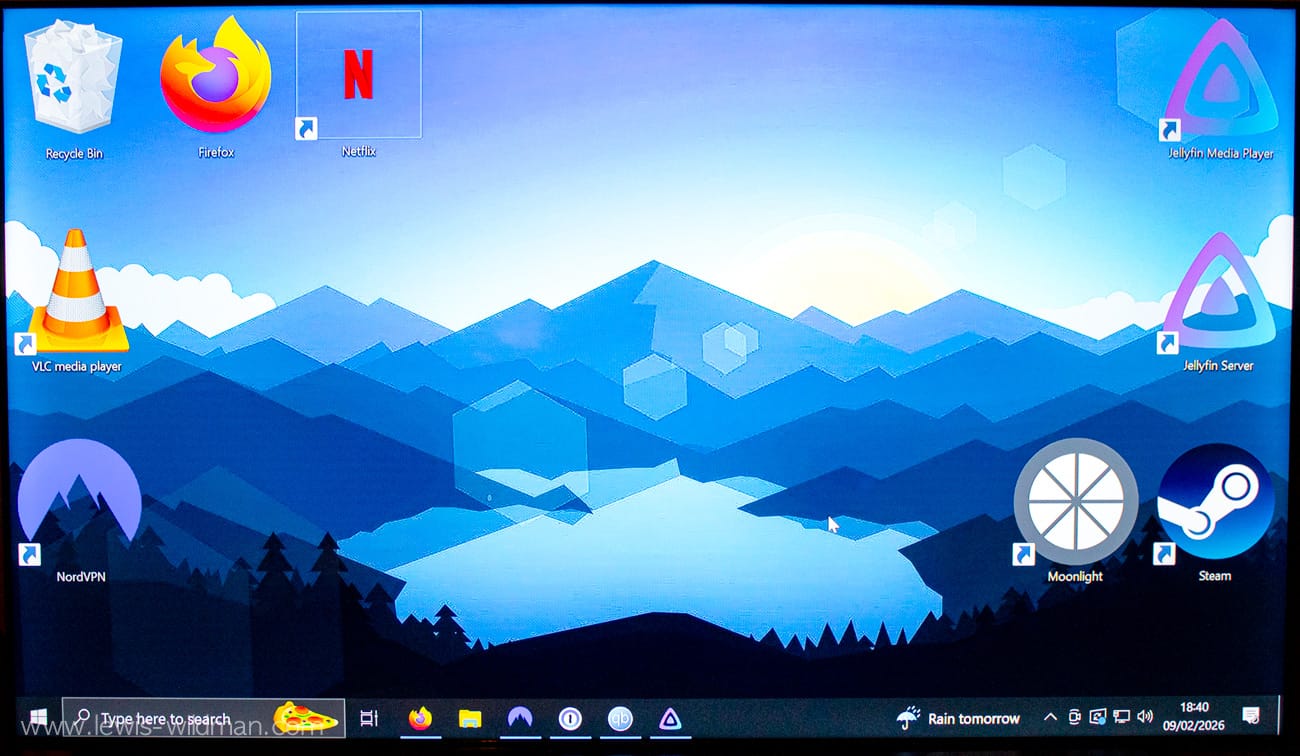
That's it. Everything I needed for the HTPC was done. A lot easier than expected and a quick win with massive benefits. It's been a great setup, it was a little finicky at first and clunky too, but I got used to it and once I did, it was well worth it. Now there's only 2 things left for me to do and figure out for this to be perfect.
The first is a weird issue with this custom remote not allowing me to boot the pc without the receiver USB being unplugged. I have almost nothing to go off for debugging it, but I'll look into it one day when it bothers me enough, I suppose. The other is the display. It's stuck at 1080p. I suspect this is due to the cable I am using being a display port, or the TV just isn't 4k. It was very cheap, after all. Although I don't entirely see why it wouldn't work. I could also be the PC not recognising the TV is in fact 4k. So I absolutely want to figure that out and take advantage of the display. Besides, 1080p doesn't look all that great on a 58" screen if I'm being honest. But, it's passable and with enough time, I got used to the display, and I'm really happy with how it is.
Overall, it's a great system and I'll work out these kinks eventually. I highly recommend this sort of setup if your TV is on the cheaper end, and you do have the same issues as I did with the display being utterly unresponsive at times.
For some improvements I want to get the Jellyfin server setup to the rest of my home network, that way I can centralise my media across the house and not just watch content on the TV, but on my phone or pc, or other TV's around the house. I'd have to leave the PC on permanently for this though, but power consumption is around 10 watts so it's very cheap to run. Cheaper than a Netflix subscription, at least.
If I can't get the 4k display outputting, I think the next step is to get a small form factor and cheap graphics card as I believe this would probably solve the issue, I'm sure I could get a used and cheap graphics card for this purpose.
Anyway, that's all. Be sure to leave a comment and tell me if you've setup anything similar. I'd be very interested to know, as well as hear any suggestions you think I could make here.
Thanks for reading!
Update: After about a 6 months of using it consistently, I mostly just use a keyboard and mouse now, avoiding the issue of the dodgy remote and broken boot sequence. As for the 1080p, I've still just stuck with it, got used to it infact.
Member discussion