5 Tools All Developers Should Know About

Here are some great tools that I use daily as a software engineer of 5+ years. They range from development to organisation. But each one is fundamental to me and helps my productivity skyrocket.
PhpStorm/WebStorm (Paid)
PhpStorm is my daily driver for anything web development. It's hands down the best IDE in the game as of 2025 for web development. Coming pre-packaged with support for HTML, CSS, JavaScript, TypeScript and PHP. It's based on JetBrains's other software called WebStorm, but with extra support for PHP. Unlike PhpStorm, WebStorm is free as of 2025, so if you'd like to try out one of JetBrains's IDEs, WebStorm is also great choice. https://www.jetbrains.com/webstorm/
PhpStorm includes a database engine with support for both SQL and NoSQL. As well as a terminal, LLM engine for any kind of LLM (both local and remote), FTP deployments, a Git GUI and a boatload of more tools. I've been using PhpStorm for the better part of 4+ years now, and I can never go back. It works too damn well and has way too many features that are actually useful. JetBrains also has other IDES which I will use for other languages, as their support and Intellisense is unmatched by any other IDE or developer software.
 JetBrains
Cloudflare (Free & Paid Plans)
Cloudflare is an amazing service that, for the better part, has many free tools that I use and couldn't live without. One of their killer features I use is the DNS tooling they provide, which allows me to point a domain name to a server, and proxy it. Meaning users enter my domain name and go through Cloudflare first, then Cloudflare passes and retrieves data from my server back to the user, all without the user directly visiting the server which my websites are hosted on. It allows me to see analytics and have more control over what happens, as well as caching results and making my website faster for doing absolutely nothing but using this great tool. There are plenty of other advanced features and more.
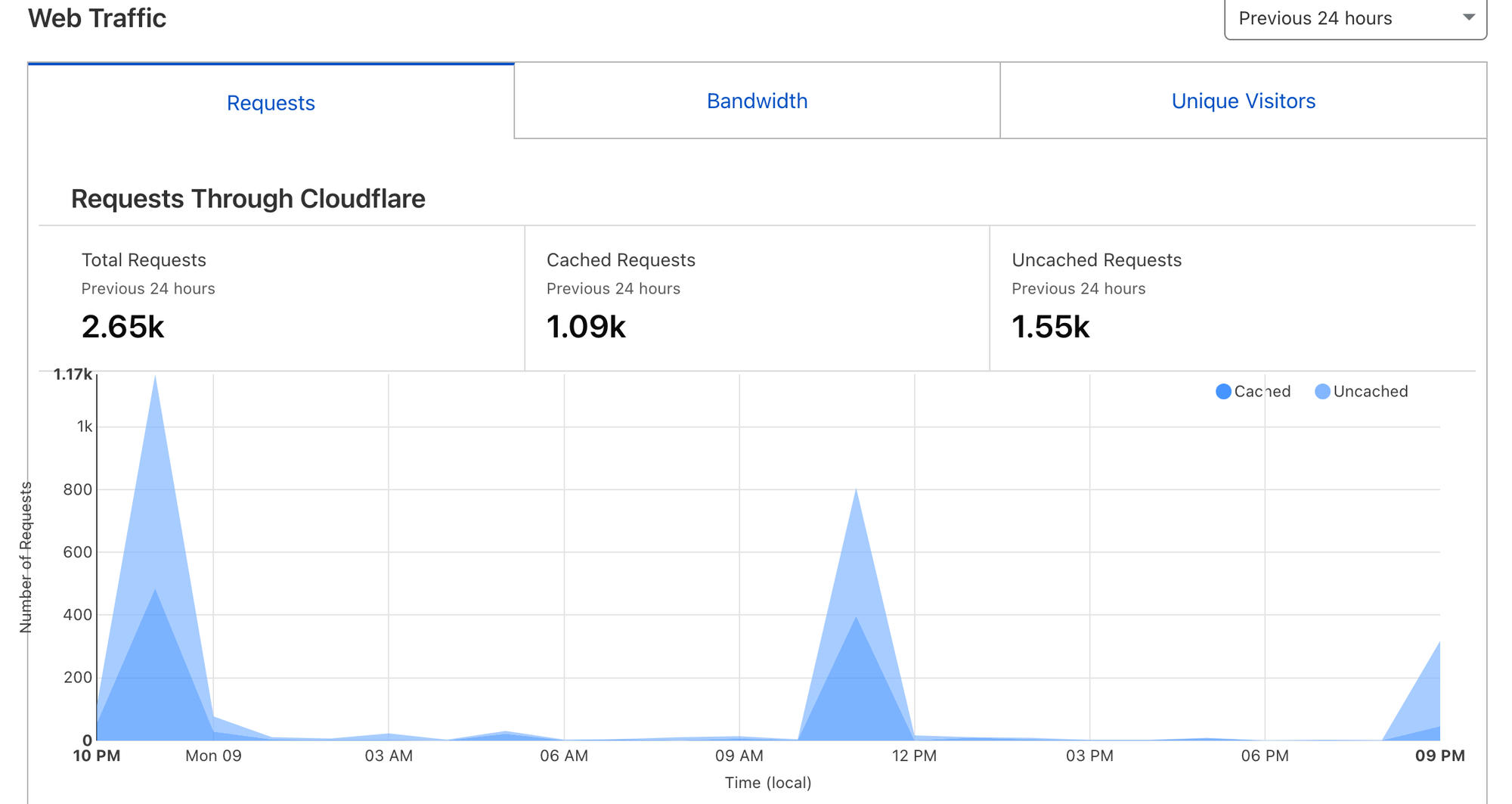
Other features include a domain name registrar system, email services, SSL certifications, DDoS (Distributed Denial of Service) protections behind the aforementioned proxies, caching and more. But overall, if you host websites, Cloudflare is an amazing free tool that you should take advantage of right now.


Obsidian (Free & Paid Plans)
Obsidian is less of a developer tool and more of an organisation and note tool. However, that doesn't make it any less useful. Everything's hosted locally in the markdown format, which makes it great for owning your notes rather than having them locked up in a database like with Notion. Meaning you can even transfer them to another piece of software if you need to.
They also offer hosting via their sync subscription, which'll let you access your notes from anywhere across any device. But you can also do this yourself with Git and GitHub if you prefer via an addon. (or even Dropbox and other cloud services too)
It has plugin support and has lots of community made addons for you to use, like Excalidraw and Kanban boards. Which are super great tools by themselves but help to give you organisation for any project, development or not!

Git & GitHub (Free & Paid Plans)
Git is by far the most important piece of software here and is mandatory for anyone who works with code. It will create snapshots of your code that you can return to at any point.
You can see changes between different versions of your code, rollback specific pieces, save work for later, experiment and so much more. However, Git becomes even better when you pair it with a service like GitHub (although there are alternatives like Bitbucket or GitLab). GitHub will allow you to share your code and work with other developers on the same projects without transferring files manually.
You can also manage your code programmatically using GitHub Actions to control deployments to servers, builds or anything really! It's absolutely fundamental to development as you'll never lose code again, never have broken states of your product and have a centralised place for your projects.
If you've never used Git and GitHub before, you can read more about them here:
 Lewis
Lewis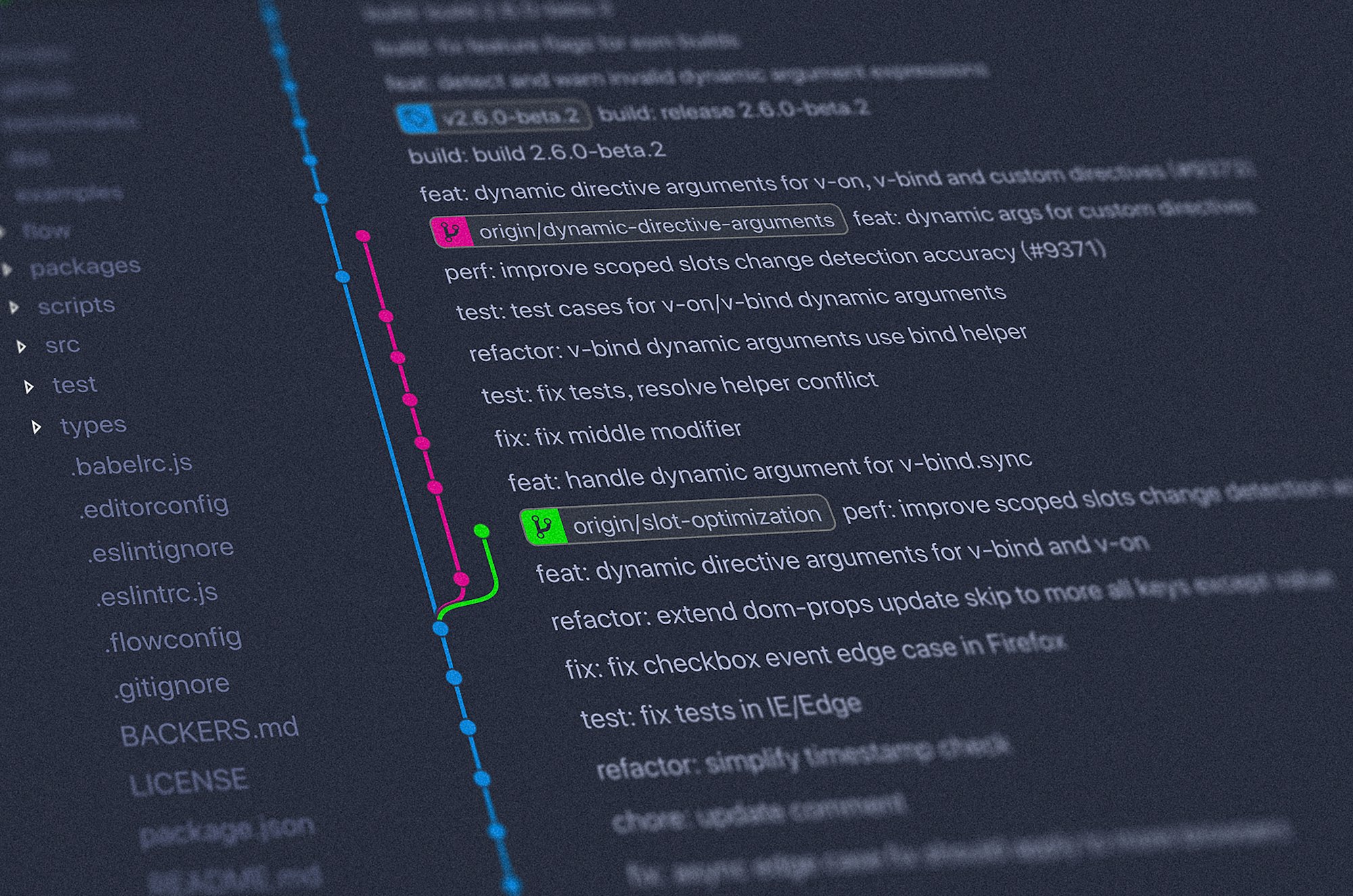
Docker & Docker Desktop (Free)
Docker is at the same level as Git and GitHub in terms of usefulness, and I'd say it's another essential tool to learn if you're a developer. One of the biggest frustrations in deploying code is having it work on your local machine, but not on the server you're deploying to. Docker solves this by running your code inside of a container of your choice. (Like a virtual machine) So if you run your code inside of an Ubuntu container, you can then deploy this container's image onto the server. The code will then behave the exact same because both environments are just using the container!
It will keep all your projects dependancies together too, so no need to install new dependancies on your local environment and server. You just set it all up inside of the container, and Docker will manage it for you.
Docker can get pretty advanced too, you can use it to deploy multiple services at once, like a PHP server with your code, a MySQL database and maybe even a Redis caching server all in one go with Docker Compose. You'll define a template for these, and it will deploy these containers automatically, the same way, every time. It'll also keep dependancies and code separated from each other and help prevent clogging up your developer environments.
Docker is primarily a command line tool, but you can pair it with Docker Desktop for a GUI oriented workflow and make using Docker less daunting and confusing.
 Simeon Ratliff
Member discussion